Why Professional Color Grading is Making Your TikTok Content Look Like an Ad
Discover why cinematic aesthetics hurt your social media performance and how to color correct your videos for maximum organic reach.
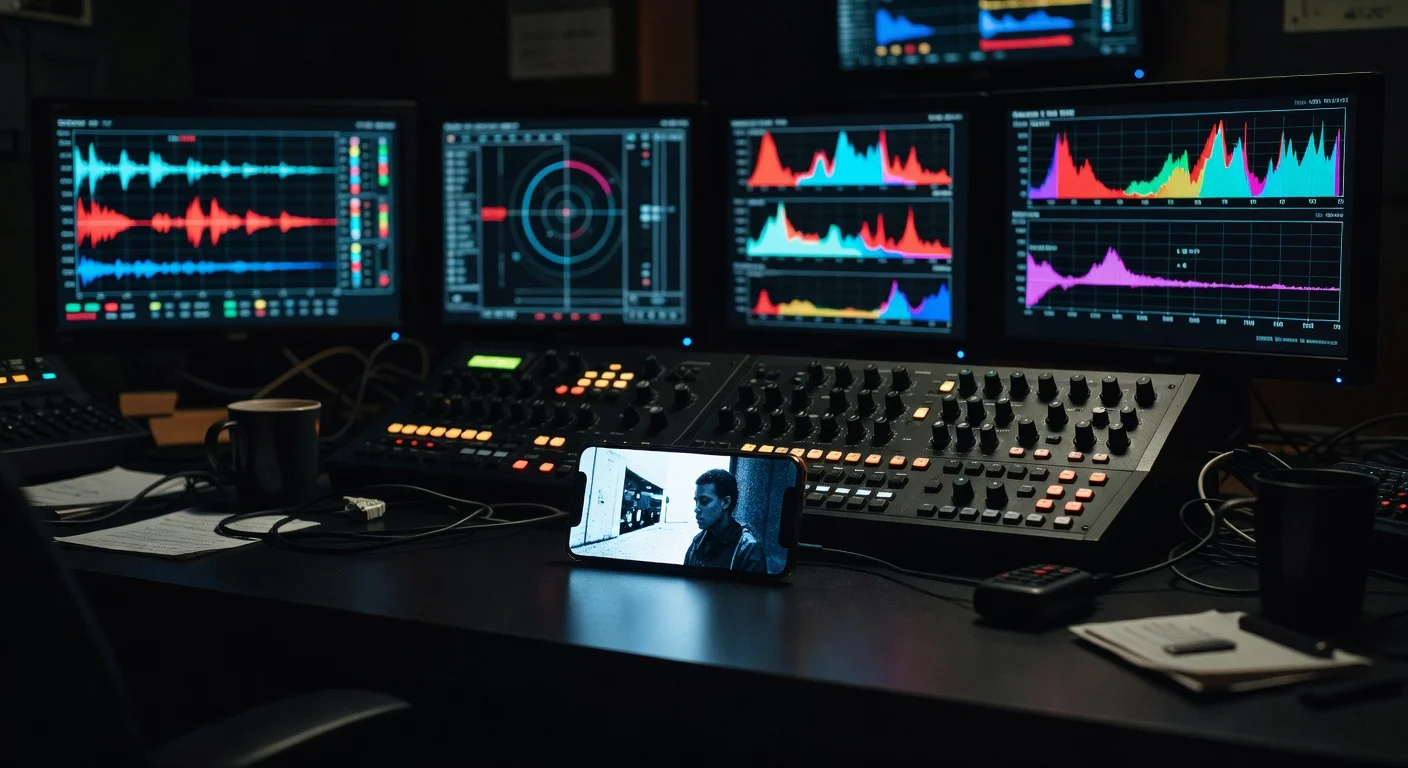
You spent three hours in DaVinci Resolve tweaking the midtones. The skin tones are flawless, the shadows have that perfect moody teal tint, and the highlights roll off beautifully. You export the file, upload it to TikTok, and wait for the views to roll in.
Two hours later, the video is sitting at 45 views.
The problem is right there on the screen. By applying professional color grading to your short-form video, you triggered an automatic reflex in your audience. You made your organic content look exactly like a paid advertisement.
Users on social platforms have developed aggressive mental filters to protect their time and attention. When a video looks too polished, the brain registers it as a commercial interruption before the creator even finishes their first sentence. The thumb swipes up instantly.
The Psychology of the Swipe Reflex
People open TikTok to feel connected to real human beings. They want raw opinions, messy bedrooms, and authentic reactions. They do not want to be sold a mattress.
Over the last decade, digital marketers figured out how to shoot highly polished, cinematic commercials and place them directly into social feeds. As a survival mechanism, users learned to identify these ads in a fraction of a second. The visual signature of a commercial is distinct: perfect lighting, flawless audio, and heavy, stylized color grading.
When your video enters the feed carrying those same visual signatures, the user's brain takes a shortcut. It categorizes your video as an ad and initiates the swipe reflex. They aren't rejecting your message. They never even heard it. They rejected your color palette.
This is a stark contrast to traditional filmmaking, where a heavy grade sets the mood and draws the viewer into a constructed reality. On social media, constructed reality is exactly what users are trying to avoid.
"If it looks like it took a crew of five people to make, the user assumes a corporation paid for it."
What Triggers the "Ad" Alarm?
There are specific visual choices that scream "production company" rather than "independent creator." If you are applying these techniques to your daily content, you are actively harming your retention rates.
| Visual Element | The Cinematic Approach (Ad) | The Native Approach (Organic) | The Viewer's Assumption |
|---|---|---|---|
| Contrast | Crushed blacks, bright highlights, heavy S-curve | Flat, natural contrast native to phone sensors | "This is a commercial." |
| Color Temperature | Stylized (e.g., heavy teal and orange) | Auto white-balance, slightly imperfect | "This is a movie trailer." |
| Skin Tones | Isolated, perfectly balanced, smoothed | Affected by environmental bounce light | "They are trying to sell me skincare." |
| Saturation | Selectively pushed to highlight products or subjects | Uniform, natural saturation | "This is sponsored content." |
| Sharpness | Razor sharp with artificial post-sharpening | Standard digital sharpness, maybe slightly soft | "This was shot on a RED camera." |
When you stack two or three of these cinematic elements together, the video loses its native feel. The platform's algorithm tracks how long people watch before swiping. If your polished look causes immediate drop-offs, the algorithm stops pushing the video to new feeds.
This is exactly why low-fi production outperforms your multi-million dollar studio. Raw, unedited footage signals authenticity. It tells the viewer, "I just pulled my phone out to tell you something important."
The Difference Between Correction and Grading
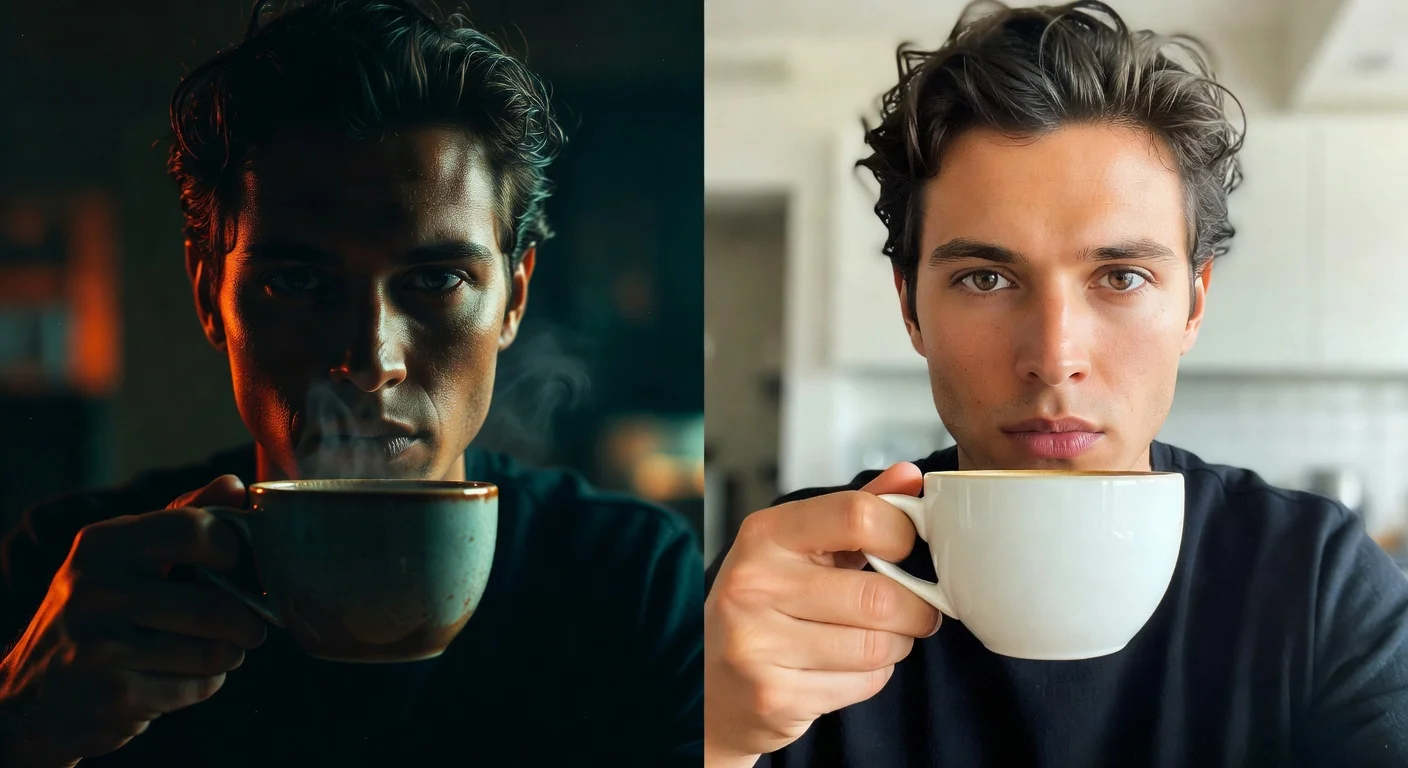
To fix this problem, we have to separate color correction from color grading. You absolutely should correct your footage. You should rarely grade it for social media.
Color Correction is the process of fixing mistakes made during filming. It involves adjusting the white balance so a white wall actually looks white. It means tweaking the exposure so your face isn't hidden in shadow. It is about restoring the image to a natural, realistic baseline.
Color Grading is an artistic choice. It involves shifting colors to create a mood, applying stylistic LUTs (Look Up Tables), and heavily manipulating the image to achieve a specific aesthetic that does not exist in the real world.
Your goal for TikTok should be invisible correction. The viewer should not be able to tell that you touched the color wheels at all.
A Safe Workflow for Social Media Color
If you edit on a computer using Premiere Pro, Final Cut, or DaVinci Resolve, follow this checklist to keep your footage looking native and organic:
- Shoot in a standard color profile. Avoid shooting in Log formats (like S-Log or C-Log) for daily social content. The heavy transformation required to bring Log footage to Rec.709 often leaves a digital footprint that looks over-processed.
- Fix the exposure first. Adjust your lift, gamma, and gain (or shadows, midtones, and highlights) just enough so the subject is clearly visible. Do not crush the blacks. Phone cameras naturally lift shadows.
- Correct the white balance. Use a white balancing tool to neutralize any extreme color casts from your room lights.
- Add a tiny bit of saturation if needed. Phone cameras often boost saturation automatically. If you shoot on a mirrorless camera, you might need to add 10-15% saturation to match the punchy look of an iPhone native camera.
- Stop. Do not add a creative LUT. Do not push the shadows to blue. Do not isolate the skin tones for heavy smoothing.
By stopping at the correction phase, your video will look high quality but remain approachable. It will bridge the gap between "shot on a potato" and "Super Bowl commercial."
How Lighting Impacts the Grade
Many creators try to use color grading to fix terrible lighting. This never works. Pushing sliders around to compensate for a dark room just introduces noise and weird color artifacts that make the video look cheap, rather than cinematic.
If you want your video to look good without heavy grading, you have to get the light right in the room. Even if you are working in a subterranean space, you can use specific lighting setups to mimic natural sunlight in a basement office.
When your lighting is clean, your camera's auto white-balance will usually handle the rest. The footage will look native to the platform straight out of the camera, saving you hours of editing time and preventing the "ad" reflex in your viewers.
Real-Time Testing and Monitoring
If you stubbornly want to keep your cinematic LUTs, you need to test them against raw footage and watch the numbers. You cannot rely on your personal preference; you have to rely on audience behavior.
Post two videos with similar content. Leave one completely raw, shot straight from the TikTok app or your native phone camera. Edit the other on your computer with your full professional color grading workflow.
Watch the retention graphs in your analytics. More importantly, track the initial velocity of the video. When a video looks like an ad, the drop-off in the first three seconds is usually catastrophic.
For creators who want to watch this split testing play out in real time, you can use the TikTok Live Video Views Counter Tool to monitor the exact moment engagement stalls on the over-produced video compared to the raw one.

The Brand Deal Paradox
There is a fascinating paradox that happens when creators start landing brand deals.
When a creator pitches a brand, they often try to make their content look as professional and commercial as possible. They break out the heavy cinema cameras, set up complex three-point lighting, and spend hours color grading the sponsored video to make it look like a TV spot.
The brand usually hates it.
Brands do not sponsor creators because they want a traditional commercial. They already have ad agencies for that. They sponsor creators because they want access to the creator's organic audience. They want the ad to feel entirely native to the platform. They want it to look like a regular, everyday post that just happens to feature their product.
When you learn how to negotiate your first brand deal without an agency representative, one of the strongest selling points you can offer is your authentic, low-barrier visual style. Promise the brand that the video will look exactly like your top-performing organic content.
If you suddenly switch to a heavy, moody color grade just because a brand is paying you, your audience will instantly recognize the shift. They will swipe away, the video will tank, and the brand will not work with you again. Maintain your raw visual style, even when money is on the line.
Hardware Solutions Over Software Fixes
Instead of relying on software color grading to make your videos stand out, focus on your physical setup. You want to capture the best possible image in-camera so that zero grading is required.
This does not mean you need a $3,000 camera body. In fact, a modern smartphone is often better for social media because its built-in image processing is specifically designed to output punchy, ready-to-post video.
You can build a mobile 'run-and-gun' rig for under $200 that includes a decent microphone, a small diffusion light, and a stable handle. This physical gear will improve your video quality a hundred times more than a premium LUT pack. Good, even lighting and clear audio signal quality to the viewer without triggering the "this is a commercial" reflex.
Scripting Trumps Aesthetics
If your videos are failing, the color grade is likely a contributing factor to the early swipe-away, but it is rarely the only problem. Perfecting an organic, native look only buys you three seconds of attention. You have to earn the rest of the minute with your words.
Creators often use heavy editing and color grading as a crutch to compensate for weak ideas. A beautifully graded video of a boring concept is still a boring concept.
Instead of spending hours in the color page of DaVinci Resolve, spend those hours working on your hooks and your story structure. Focus on scripting for retentive attention using the narrative open loop strategy. Give the viewer a compelling reason to stick around past the first five seconds. A raw, poorly lit video with a fascinating narrative will outperform a perfectly graded, boring video every single time.
What to Do with Your Flops
As you transition away from heavy color grading and experiment with more native, raw styles, some of your videos will still flop. You might post a raw video that gets even fewer views than your cinematic ones.
Your first instinct will be to delete the failure and go back to your old editing habits. Do not do this.
You need to train your account and the algorithm to understand your new baseline. Read about why you should stop deleting poorly performing videos immediately. Leave the raw videos up. Let the data settle. Analyze the retention graphs to see where people are dropping off. You will likely find that while the total views might be low initially, the percentage of people who watch past the three-second mark improves when the video doesn't look like an ad.
If you need to track how your overall account health is adjusting to your new visual style, use the TikTok Follower Count Tool to monitor your growth trajectory over a few weeks. Consistency in your visual presentation will eventually build trust with your core audience.
The New Standard of Quality
Quality on TikTok is not defined by color depth, bitrates, or dynamic range. Quality is defined by the speed at which you can deliver value or entertainment to the viewer.
When you strip away the heavy color grades, the cinematic LUTs, and the artificial contrast, you remove the barrier between yourself and the audience. You stop looking like a marketer and start looking like a person.
Keep your editing simple. Correct your white balance, dial in your exposure, and export. Let your ideas do the heavy lifting. The less time you spend coloring your footage, the more time you have to actually create something worth watching.

Written by
Olivia Miller
Four years managing TikTok accounts for small and mid-sized creators. Five clients past a million followers, a few past five.
More from Olivia