Scripting for Retentive Attention Using the Narrative Open Loop Strategy
Learn how to script videos that hold viewer attention by using narrative open loops, psychological gaps, and structured payoffs.
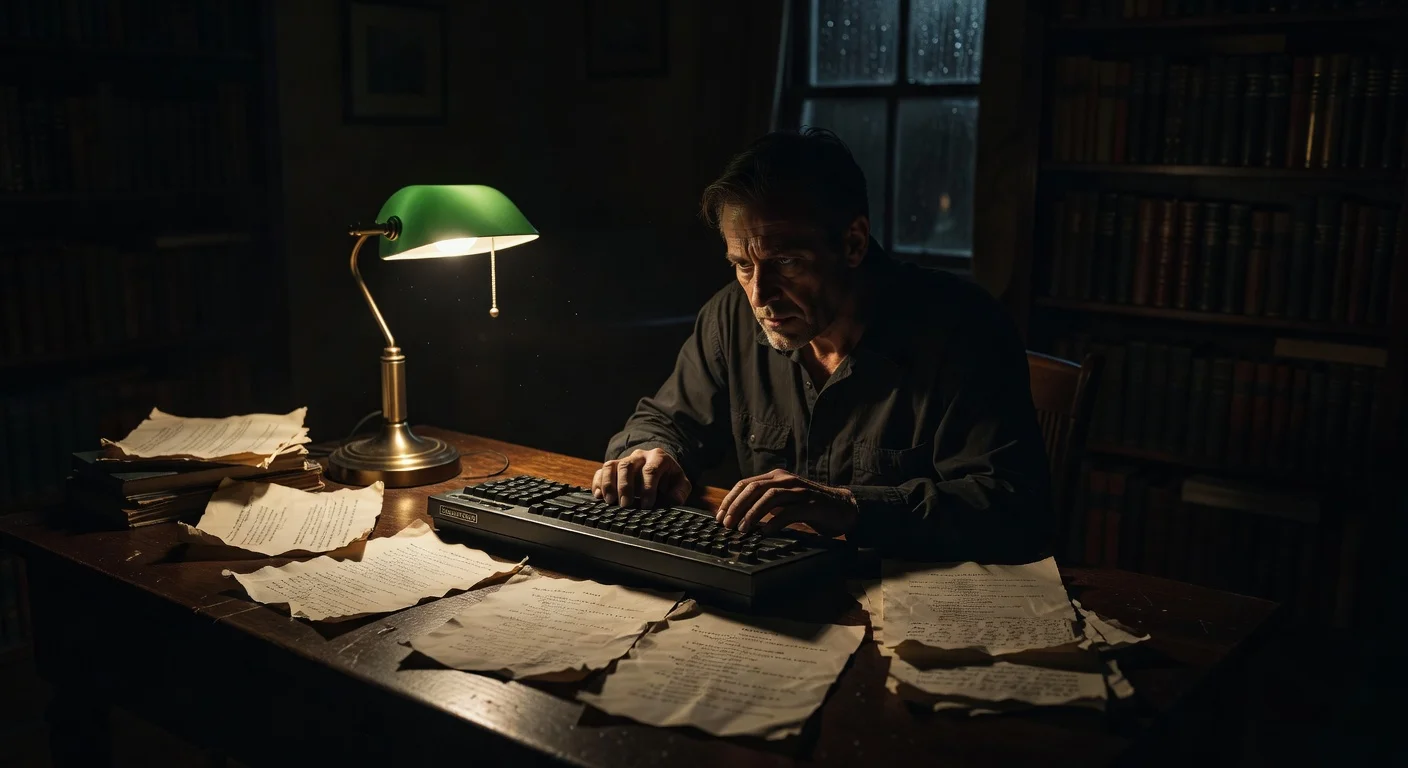
Keeping a viewer watching past the first three seconds of a video requires more than a loud voice or flashy text. You need to engineer curiosity. The most reliable method for achieving this is the narrative open loop strategy. By intentionally opening a gap in information at the beginning of your script and delaying the resolution until the end, you compel the audience to stick around to find out what happens.
When you master scripting for retentive attention, your videos stop fighting for algorithmic favor and start earning it naturally through high completion rates.
The Psychology Behind the Open Loop
In the 1920s, psychologist Bluma Zeigarnik noticed that waiters in a cafe could remember complex, unpaid orders perfectly, but forgot them the moment the bill was settled. This became known as the Zeigarnik effect: human brains remember uncompleted tasks and interrupted thoughts better than completed ones.
An open loop applies this concept to storytelling. You introduce a premise, ask a question, or start a process, but you withhold the completion. The viewer's brain craves the closure. They watch the video to close the loop.
Television writers have used this for decades before commercial breaks. On short-form platforms, you have to use it every few seconds.
Macro vs. Micro Loops
To keep retention high across a 60-second or 3-minute video, you need to operate on two levels.
The macro loop spans the entire video. You open it in the first three seconds and close it in the last three seconds. It is the core promise of the content.
The micro loops exist in the middle of the video. These are smaller questions or actions that take five to ten seconds to resolve. They prevent the viewer from getting bored while waiting for the macro loop to close.
| Loop Type | Function | Duration | Example |
|---|---|---|---|
| Macro Loop | The primary reason to watch. | Full video length | "I spent $500 on mystery boxes, and one item paid for it all." |
| Micro Loop | Bridging attention gaps. | 5-15 seconds | "Before I open the big box, look at the strange serial number on this small one." |
Structuring the Script
Writing a script with the narrative open loop strategy requires a specific four-part architecture. You cannot write chronologically. You have to write based on information delivery.
1. The Hook (Opening the Macro Loop)
The hook must present a specific, unresolved situation. It needs enough detail to be interesting, but enough missing information to require watching.
Avoid stating your conclusion in the hook. If the viewer knows the answer immediately, they have no reason to stay.
- Weak Hook: "This new microphone sounds great and costs $50." (Loop instantly closed).
- Strong Hook: "I tested a $50 microphone against a $1,000 studio setup, and the audio files completely confused the audio engineer." (Loop opened: Which one won? Why was the engineer confused?).
2. The Delay (Context and Friction)
Once you open the macro loop, do not answer it immediately. Introduce context or friction. This is where you explain the stakes of the video or the process you are undertaking.
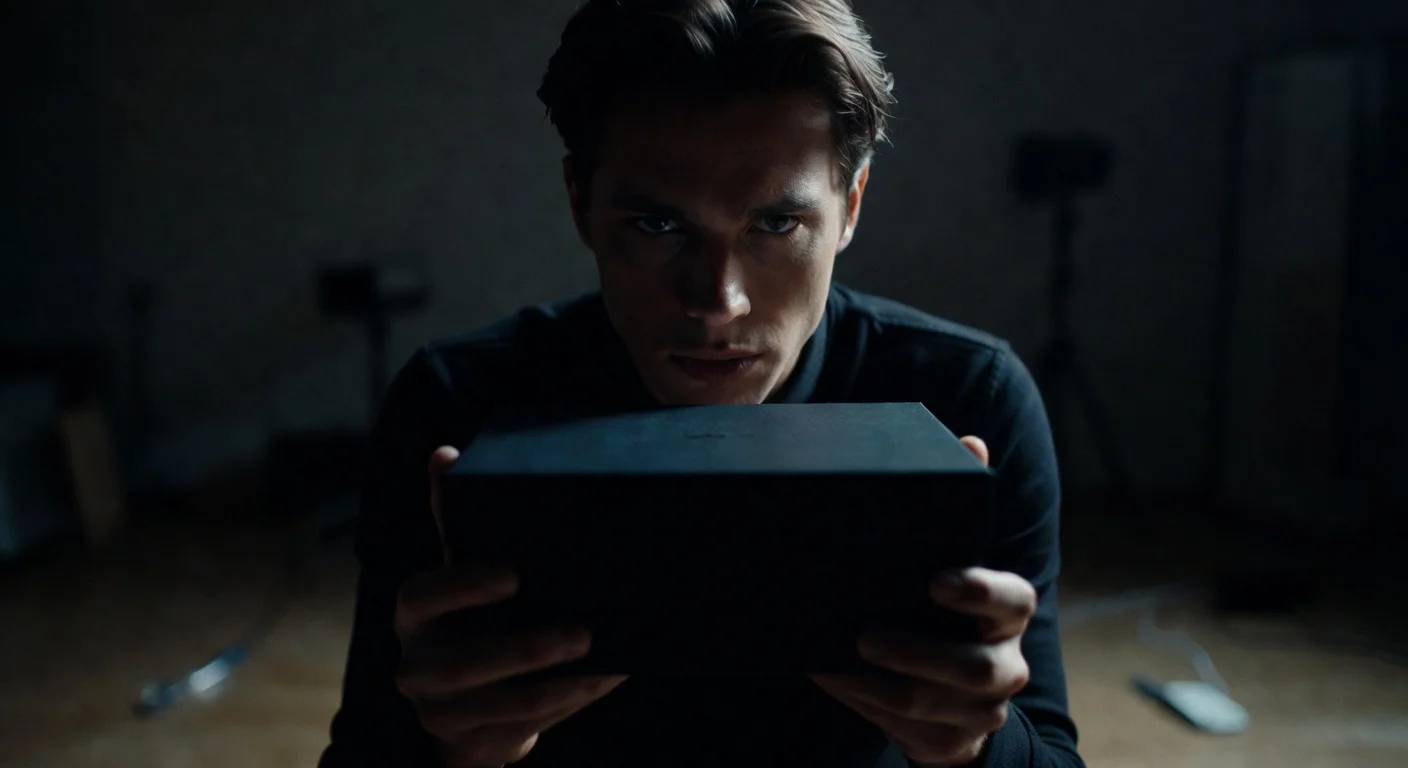
If you just give the answer right after the hook, your retention graph will look like a cliff dive at the four-second mark. You need to build the value of the payoff. You can also use this section to introduce visual contrast. Sometimes why low-fi production outperforms your multi-million dollar studio comes down to how raw, unpolished visuals create friction against a highly structured, professional script.
3. Escalation (Opening Micro Loops)
The middle of a video is where most creators lose their audience. The viewer realizes they have to wait for the payoff and gets impatient. To counter this, introduce micro loops.
A micro loop gives the viewer small hits of dopamine. You ask a secondary question and answer it quickly.
If you are reviewing the microphones from the earlier example, an escalation phase script might look like this: "Before we get to the blind test, I noticed a huge design flaw on the expensive mic." You show the flaw (closing the micro loop), then immediately open another: "But the cheap mic has a totally different problem when you plug it in."
4. The Payoff (Closing the Macro Loop)
Deliver exactly what you promised in the hook. Do not trick the audience, and do not drag the payoff out unnecessarily. Once the loop is closed, the video is over. Any words spoken after the macro loop closes will destroy your retention rate.
Give the answer, show the result, and end the video.
Applying Open Loops to Visuals
The narrative open loop strategy isn't limited to the words you say. You can open loops visually.
Visual loops happen when the viewer sees something on screen that requires explanation, but the audio track ignores it temporarily.
Examples of visual open loops:
- Starting the video with a strange object sitting on the desk behind you, unmentioned.
- Wearing an unusual outfit that contrasts with the video topic.
- Showing the messy aftermath of a project before explaining how it happened.
- Setting up specific lighting that casts an ambiguous shadow. For instance, using specific lighting setups to mimic natural sunlight in a basement office can create a jarring, interesting visual if the viewer knows you are underground.
When the audio and visual tracks operate on different timelines, the viewer's brain works twice as hard to piece the narrative together, keeping them locked into the content.
Measuring Retention and Loop Effectiveness
You need hard data to know if your script actually retained attention. Relying on gut feeling will lead to inconsistent results.
Your analytics dashboard shows the retention curve. Look at where the line drops.
- A drop in the first 3 seconds means your macro loop hook failed.
- A gradual slope downward in the middle means you lacked micro loops.
- A sharp drop right before the end means you telegraphed your payoff too early.
To see how these retention metrics translate to overall account growth, you can track your total audience size using a TikTok Follower Count Tool. Monitoring your follower count over a week of posting open-loop scripts will show you if the increased retention is converting to actual channel growth.
If you are trying to measure the immediate impact of a specific hook, you can paste the video link into a TikTok Live Video Views Counter Tool. This lets you analyze the realtime views, likes, and comments of an individual video as the algorithm tests it with initial audiences. Fast engagement in the first hour often indicates a successful open loop.

Extending Open Loops to Live Streams
Pre-recorded short-form videos require tight, scripted loops. Live streams require a looser, more conversational approach to the same psychology.
When broadcasting live, you want the viewer to stay in the room. You can use prolonged open loops to achieve this. State a goal at the beginning of the live session and update the audience on the progress periodically.
"We are going to try to beat this boss without taking any damage today. I've failed 40 times so far." That is a macro loop for a gaming stream.
If you are running a competitive broadcast, you can use a TikTok Live Follower Comparison tool on screen. The visual of two numbers racing against each other creates a persistent, visual open loop. Who will win? The viewer has to stay to find out.
For a deeper breakdown of live broadcast retention, check out these 10 TikTok Live Strategies to Turn Viewers Into Loyal Followers.
Common Scripting Mistakes
Even when creators understand the theory of open loops, execution often falls flat. Review your scripts against this checklist to catch errors before you hit record.
- The Clickbait Trap: Opening a massive loop and delivering a terrible payoff. "You won't believe what's in this box!" (It's a regular pen). This destroys trust.
- The Premature Conclusion: Giving away the answer in the text overlay or the first 10 seconds of the video, leaving the rest of the runtime pointless.
- Loop Overload: Opening five different macro questions in the hook. The viewer gets confused and scrolls. Keep it to one macro loop.
- The Missing Bridge: Forgetting to use micro loops in videos longer than 60 seconds. The middle sags, and the viewer leaves before the payoff.
- Rambling Outros: Keeping the camera rolling and talking for twenty seconds after the main question has been answered.
The Scripting Workflow
To implement this consistently, change how you write. Open a text document and create four headers: Hook, Delay, Escalation, Payoff.
Write the Payoff first. Know exactly where the video is going.
Then write the Hook. Make sure it directly connects to the Payoff but hides the specific details.
Finally, fill in the Delay and Escalation. Look for places to inject visual interest or secondary questions to keep the pacing tight. Read the script out loud. If you find yourself getting bored while reading the middle section, your audience will definitely scroll past it. Cut the fat and add another micro loop.
Scripting for retentive attention requires discipline. You are managing the flow of information, holding back just enough to keep the viewer leaning in, and rewarding their patience at the exact right moment.

Written by
Olivia Miller
Four years managing TikTok accounts for small and mid-sized creators. Five clients past a million followers, a few past five.
More from Olivia